 Skorby HomeAwtrix DisplayVideo OverlayWeb BoardHubContact Get the app →
 Record with any camera, score it in Skorby, then export the score history as a transparent video. Pull it into Premiere, DaVinci, Final Cut, iMovie or CapCut and the overlay snaps to every point — for highlight reels, archives, and social cuts that don't depend on a live broadcast.
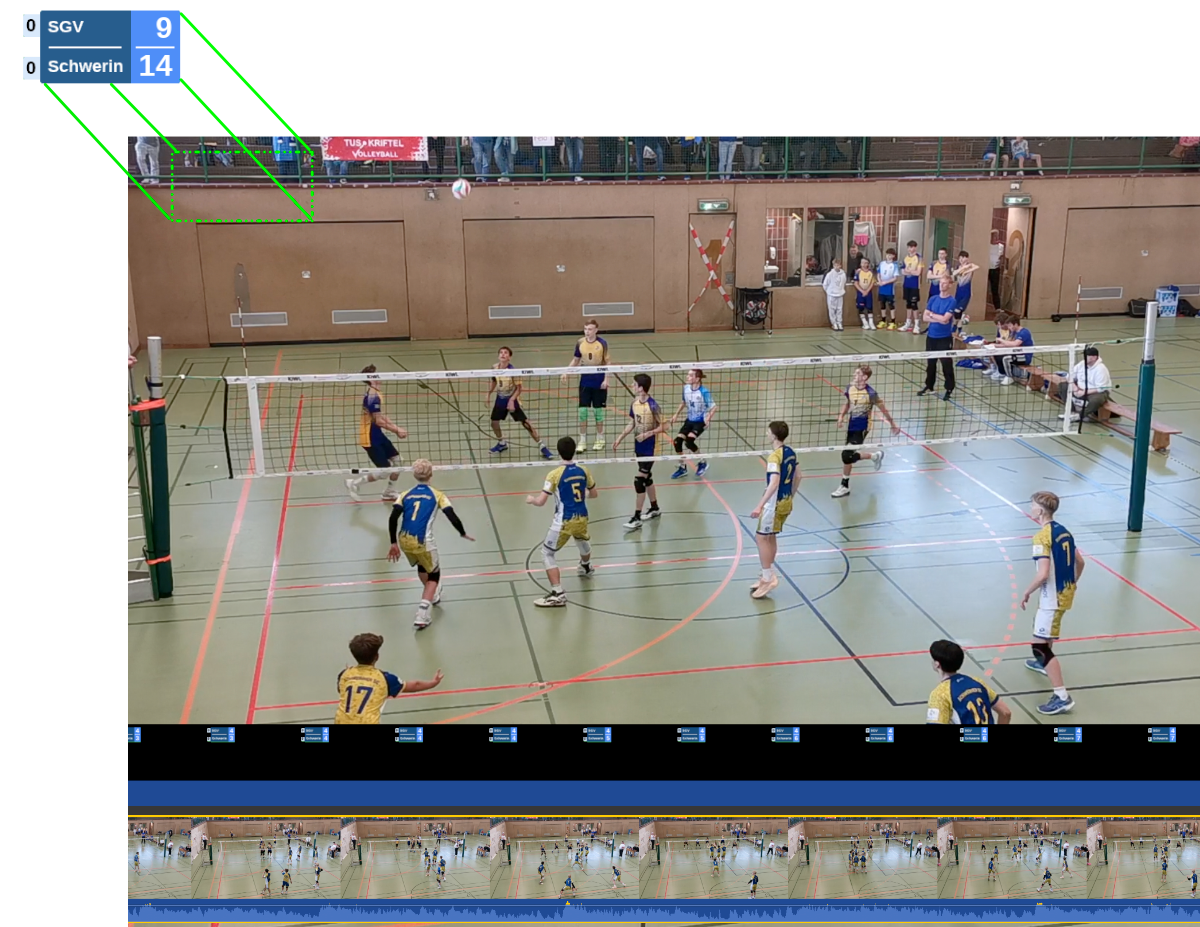
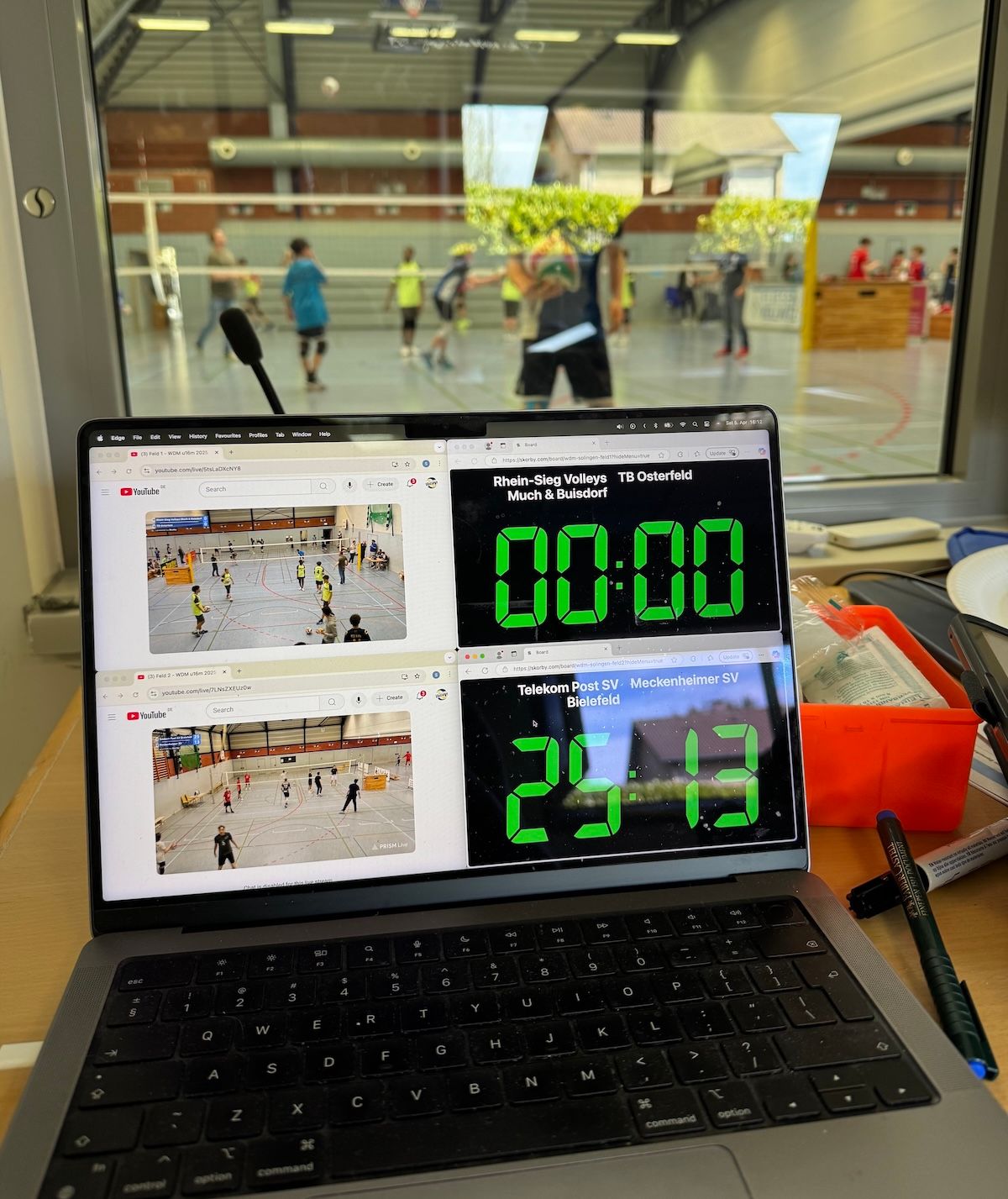
If you're streaming the match live to YouTube or Twitch through OBS, Streamlabs or PrismLive, you want the live overlay instead — the score lands on stream within a point.
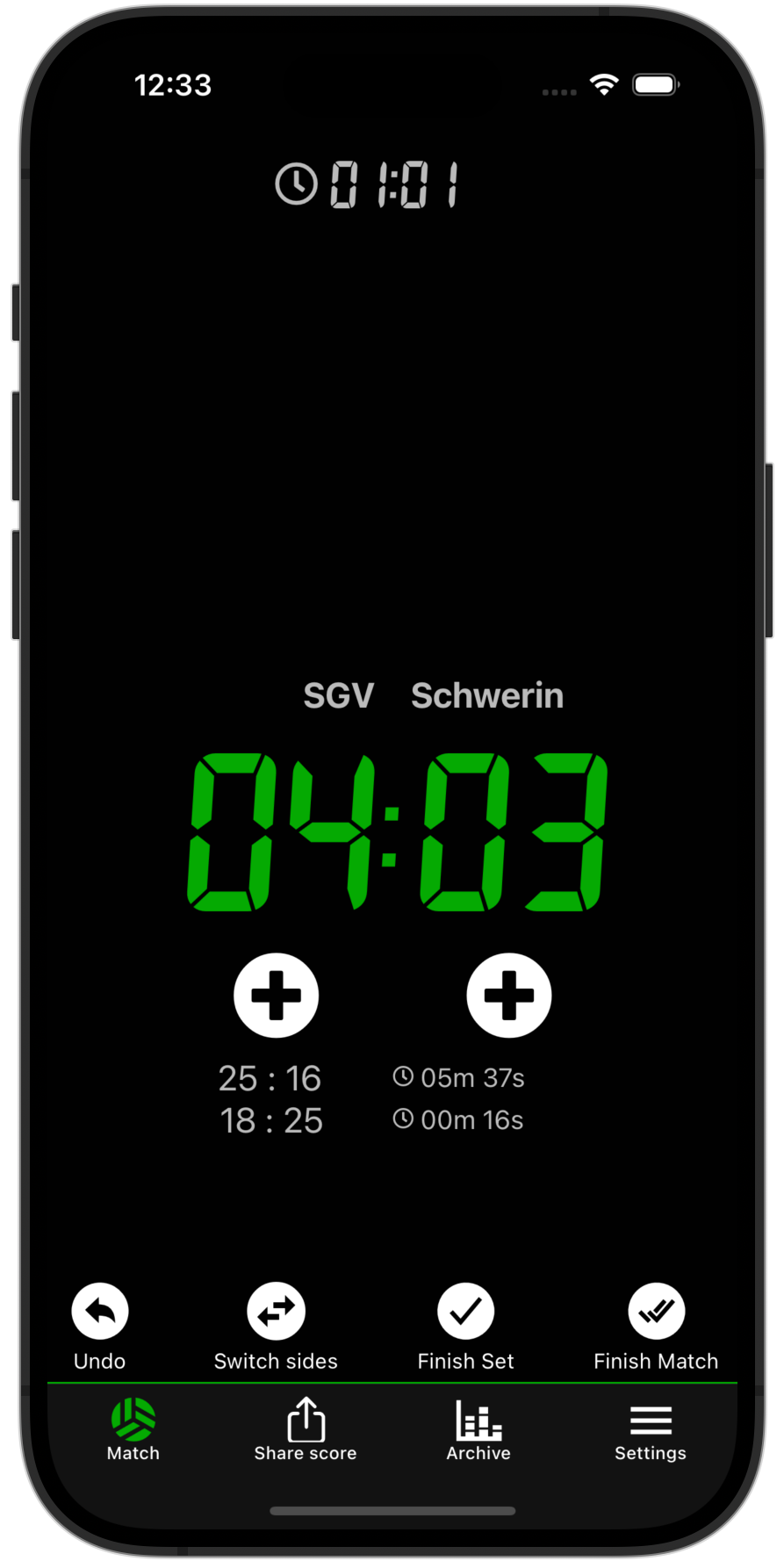
Nothing changes about how you capture the match — film with whatever camera you've got and score in Skorby like usual. The one thing that helps later: make your first point visible.
When you tap the first point, do it at the exact instant the referee signals. That moment becomes your visual sync cue — a single frame to line the overlay up against in the editor. Five seconds of preparation, hours saved scrubbing.
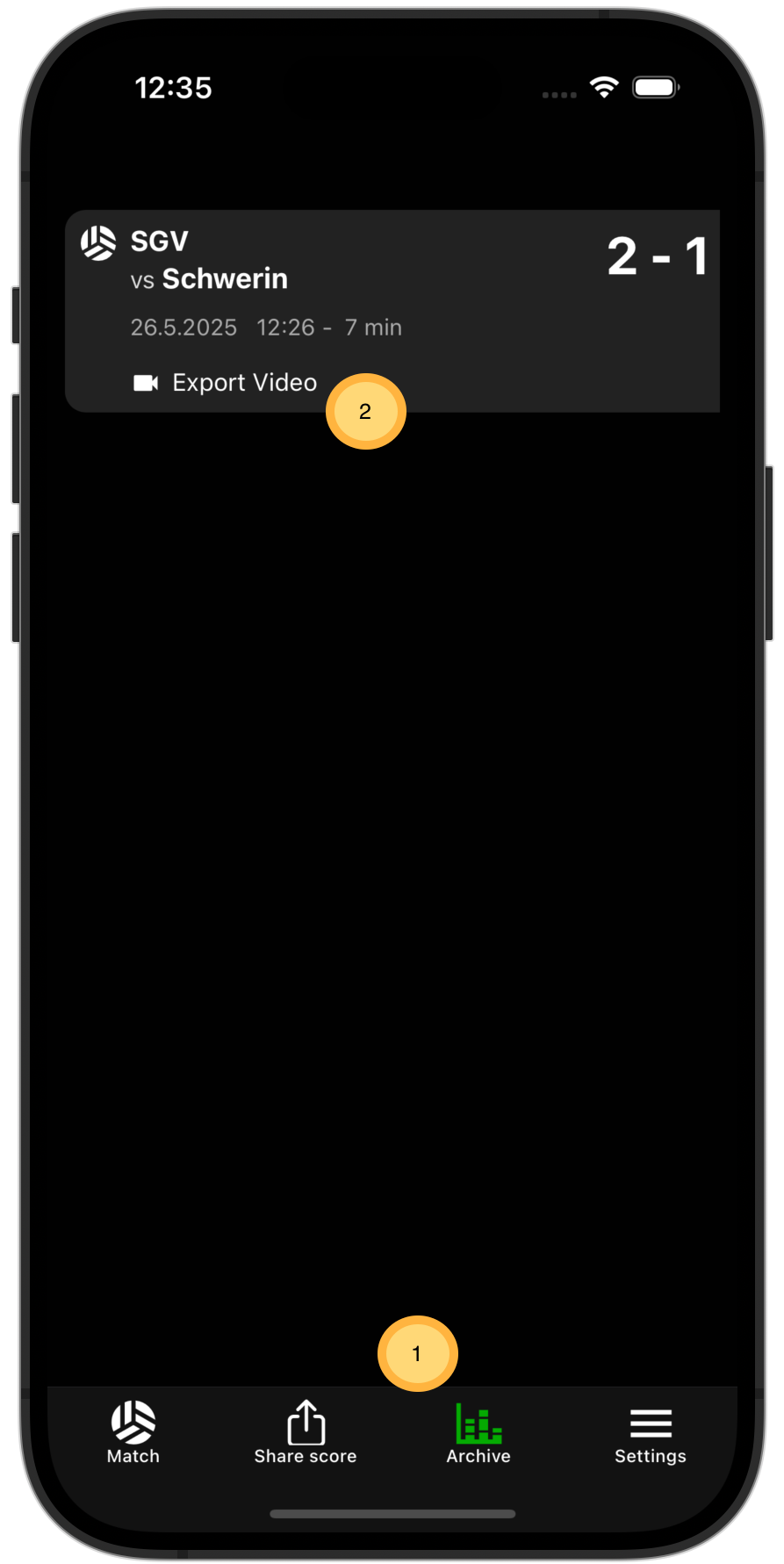
Skorby exports the score as a transparent video file matched to the duration of the match. Every editor — desktop or mobile — can take a transparent track on a second layer.
The free export carries a small watermark. A 24-hour event pass unlocks the clean version — same price as a coffee at the venue, no subscription, you only pay it when you actually publish.
The export is a regular transparent video file — anything that takes a second video track will layer the score over your footage. Desktop NLEs (Premiere, DaVinci, Final Cut) handle it natively. We've recorded end-to-end walkthroughs for the three editors we hear about most; the recipe transfers cleanly to the rest.
Easiest to handle. If you're not sure how to export the score video from Skorby itself, the mobile tutorials below include that step.
Missing your editor of choice? Hit a snag with the overlay? info@surviveF5.com — happy to help.
Score it once in Skorby, export the overlay, and reuse it across highlight reels, archive uploads and social posts — the same data, on every video, forever.