 Skorby HomeAwtrix DisplayVideo OverlayWeb BoardHubContact Get the app →
 Skorby's mission: a score on every sports clip — automatic, for every match and every level of play. The score you tap on your phone becomes a transparent overlay you can drop onto any video, no broadcast hardware needed. Scored clips keep viewers watching, set by set.
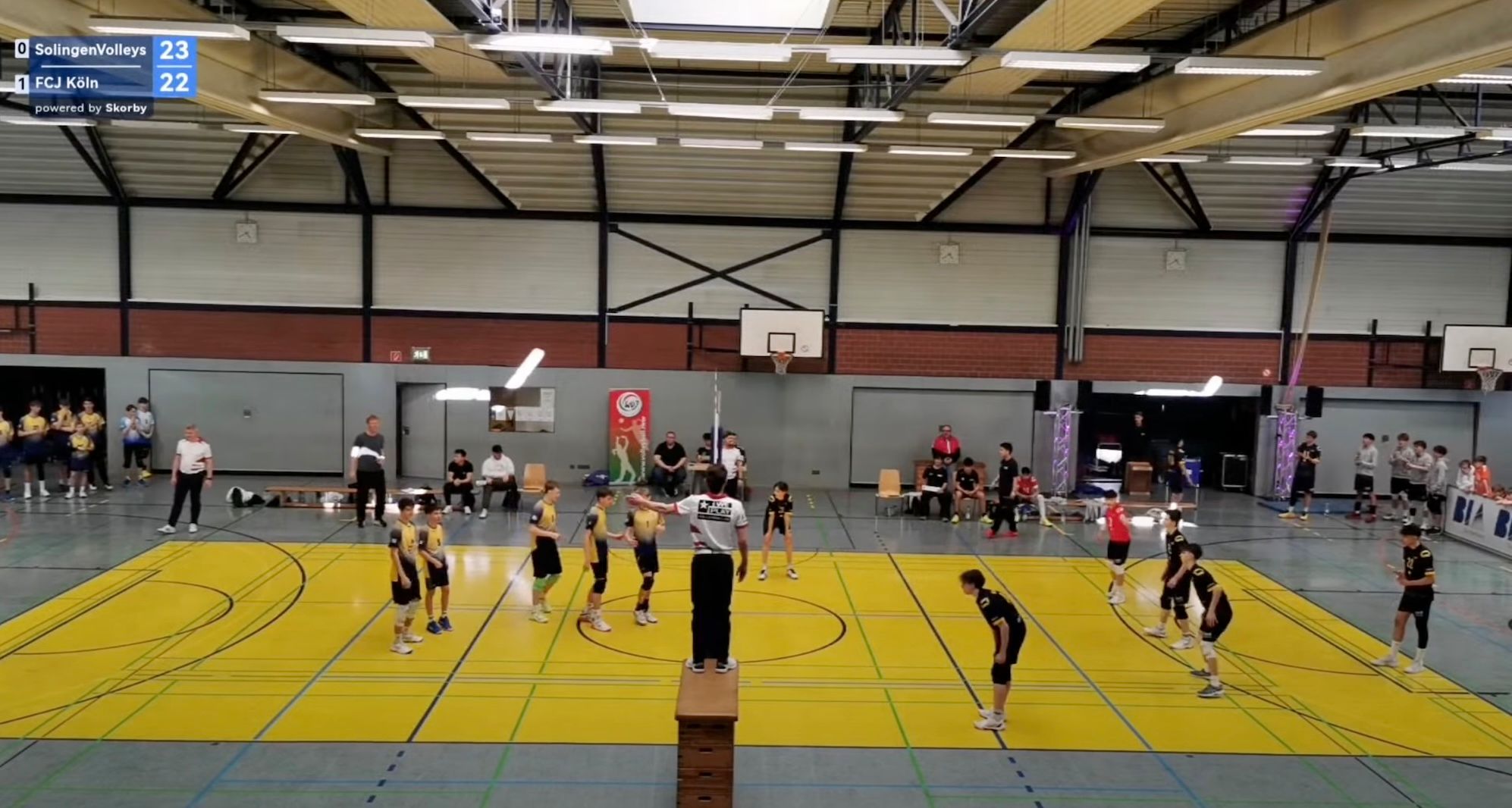
One Skorby app, two ways to attach the score to a video. Live mode renders the score directly into your streaming app while the match is on. Post-match mode exports the scored overlay as a transparent video file so you can drop it onto recorded footage days, weeks or months later. Both share the same score data — the difference is when you stitch them together.
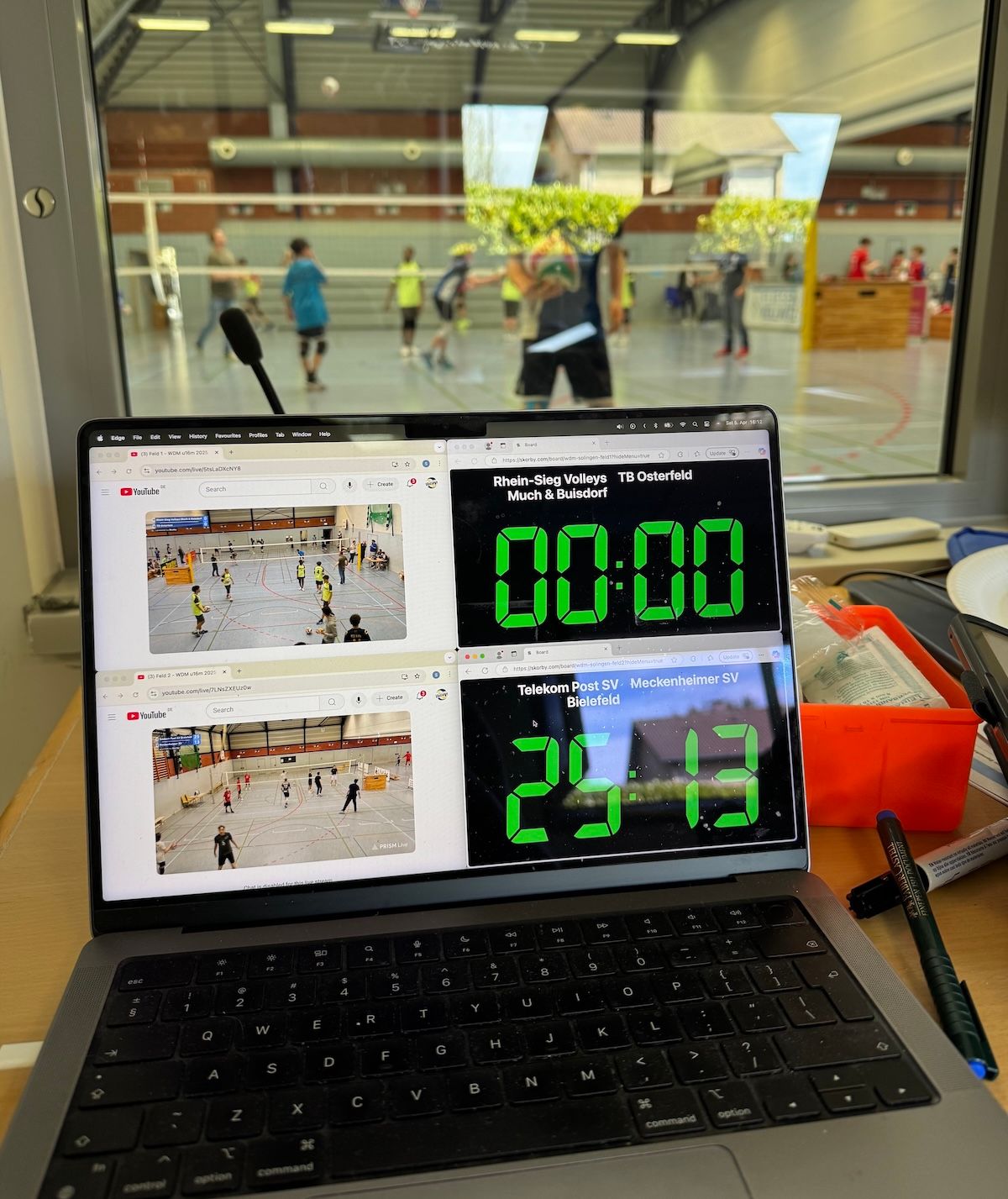
For OBS, Streamlabs and PrismLive. The Skorby app exposes a transparent URL; your streaming software renders it on top of your scene. Score updates land on stream within a point.
Read the live setup ↓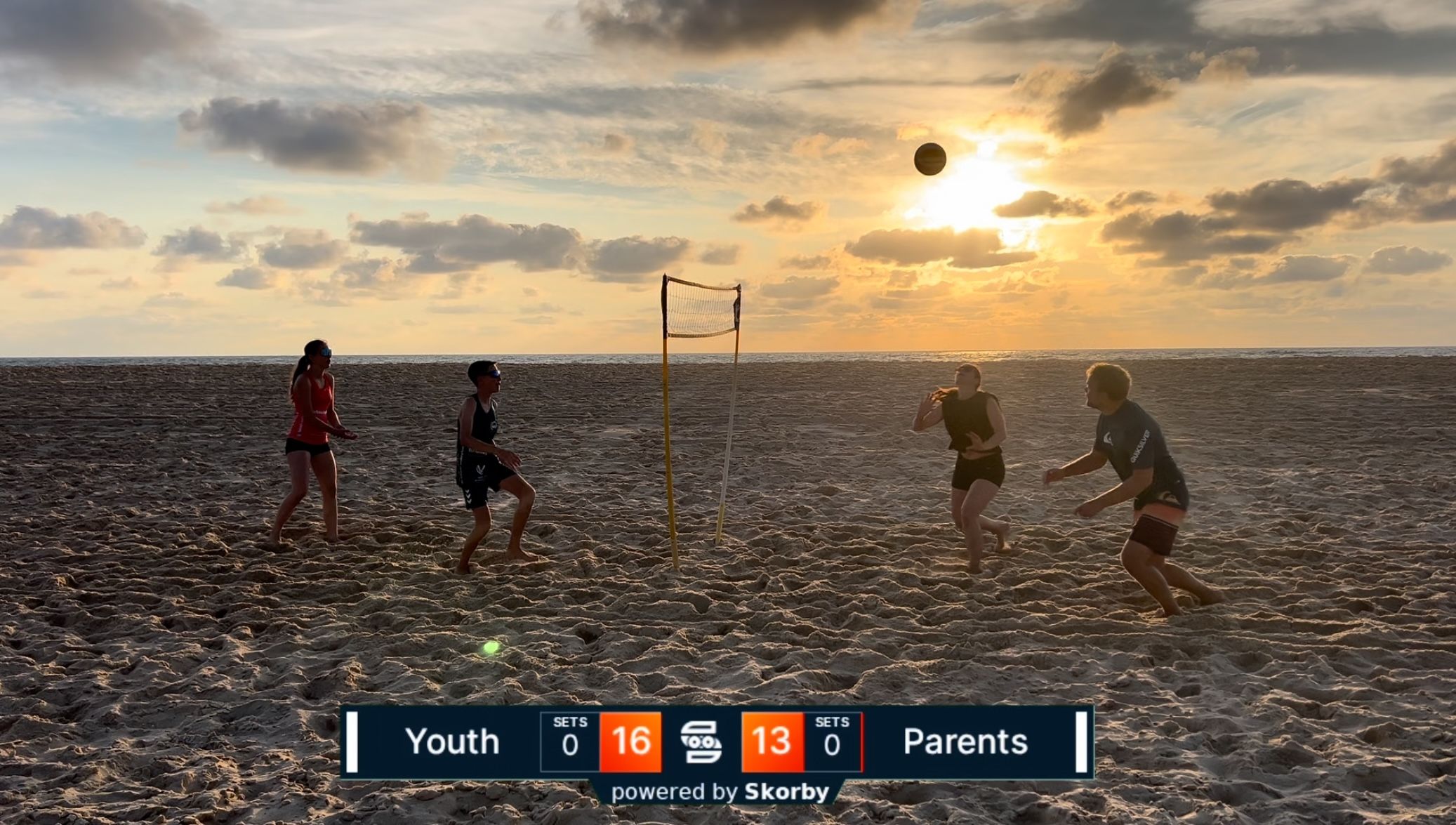
For footage from a phone, DSLR or drone. Export the score history as a transparent video, drop it onto your edit in Premiere, DaVinci, Final Cut or CapCut. Timecode-synced from the moment you scored the match.
Read more in the Post-Match guide →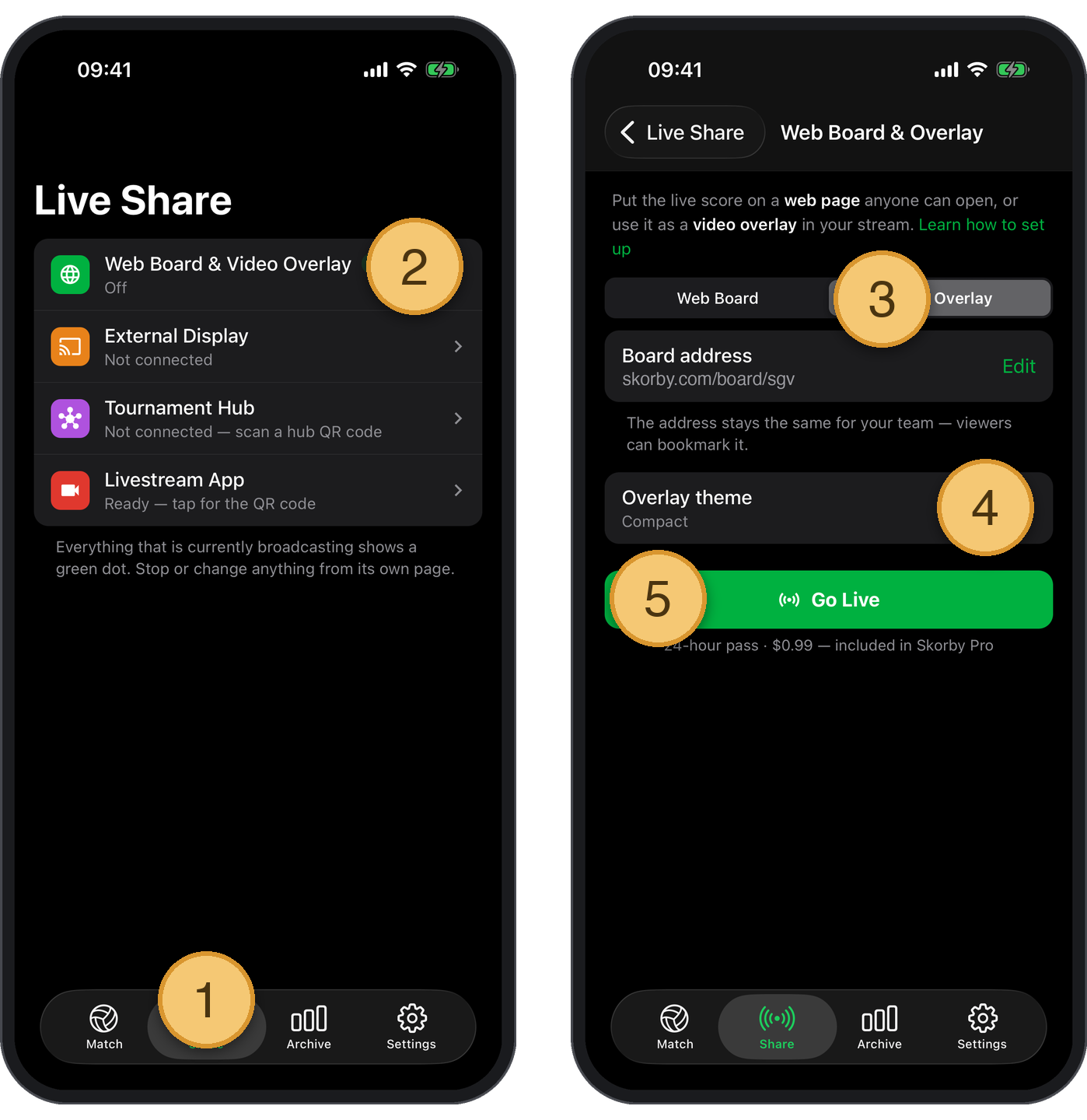
The Skorby app exposes a transparent overlay at a unique URL. Activating the 24-hour event pass unlocks that URL; once you've copied it, every browser-source-capable streaming app can render the overlay on top of your scene. Browse to it during testing to see exactly what your viewers will see.
The overlay URL is a regular web page with a transparent background. Anything that supports a browser source can render it. We've written walkthroughs for the apps we hear most about — but the recipe is the same in all of them.
Stream from the same phone you're scoring on. We have a step-by-step guide with screenshots.
Open PrismLive guide →Add a Browser source, paste the URL, set 1920×1080, transparent background. The score appears over your scene. Streamlabs Desktop is a fork of OBS — the recipe is identical, the docs apply to both.
OBS Browser source docs →The overlay URL is a regular web page with a transparent background. If your streaming software can show a browser source — vMix, Lightstream, Restream Studio, Wirecast — it can show the Skorby score.
Test it in the demo →Download Skorby, score a match, copy the overlay URL from the Share tab, paste into your streaming app. The 24-hour event pass costs less than a coffee at the venue and only burns on days you actually stream.