 Skorby HomeAwtrix DisplayVideo OverlayWeb BoardHubContact Get the app →
 Two phones, one match: Skorby sits in your scoring hand, while PrismLive runs on a second camera phone that films the action. The overlay URL links them — wire it into PrismLive once, then every point you tap on the Skorby phone lands on the live stream from the camera phone.
You'll need the overlay URL from the Skorby app's Share menu. If you haven't grabbed it yet, do the 5-step setup on the Video Overlay page first.
Open Skorby setup →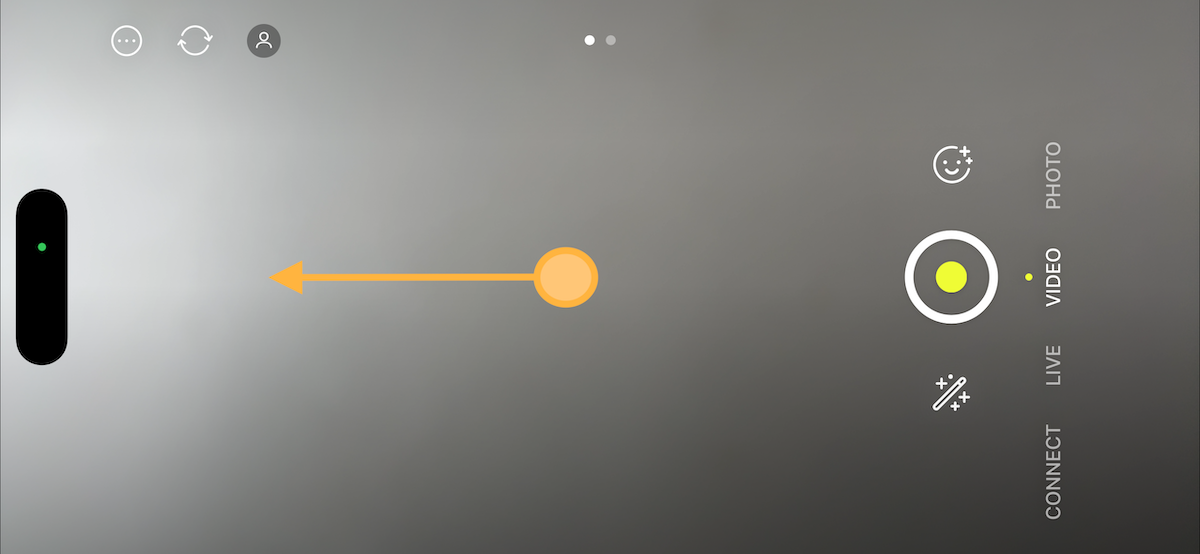
Open Prism Live on your phone and swipe left until you reach the configuration screen.

On the configuration screen, tap the Web button to add a web-based overlay source.
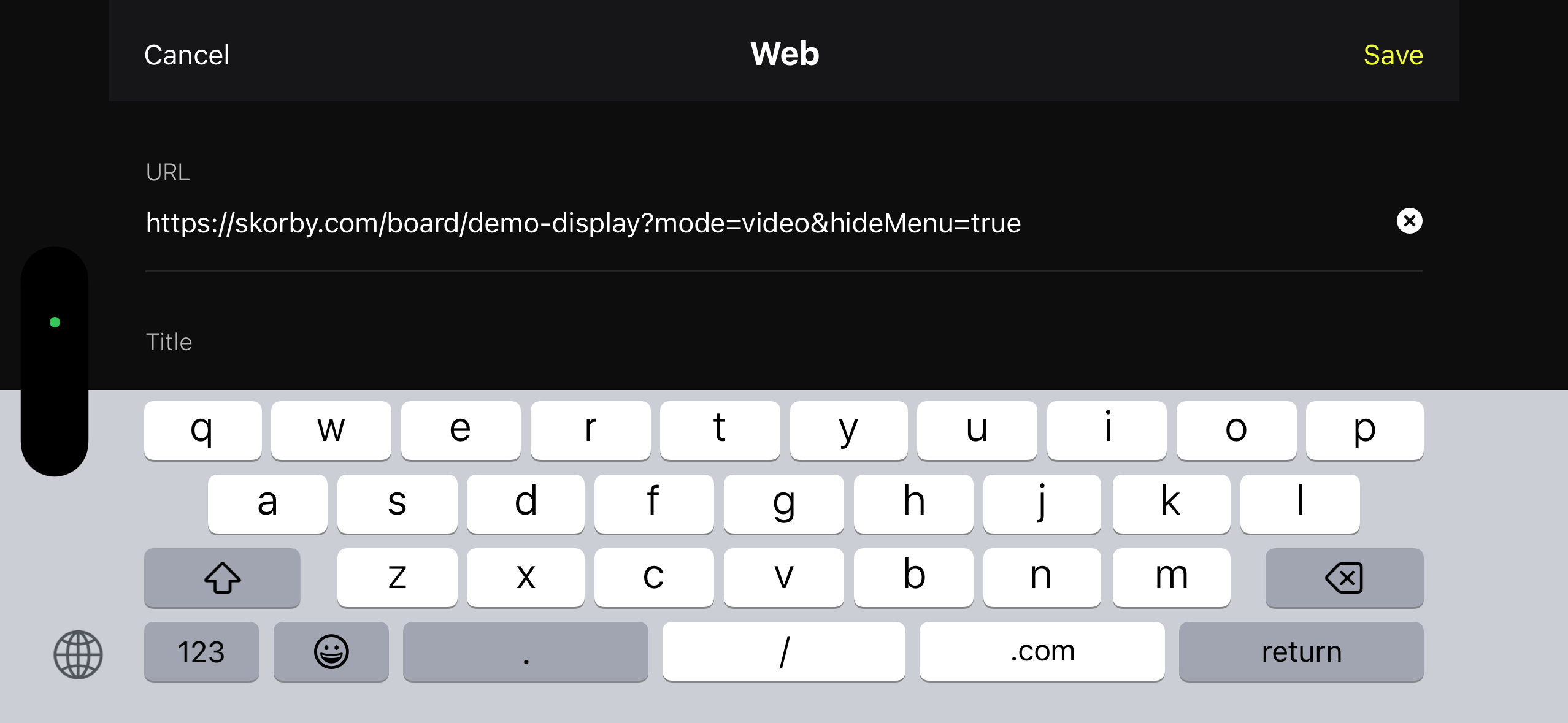
Paste the overlay URL you copied from the Skorby Share menu into the input field, then tap Save.
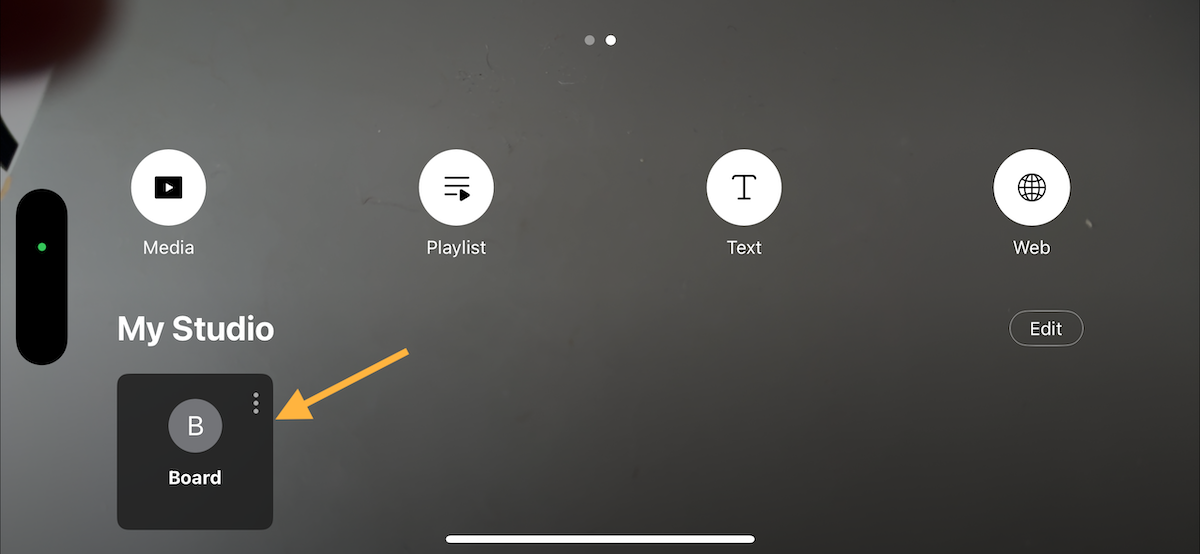
Back in Prism Live, tap the Board tile under My Studio to switch the overlay on. The Skorby score now sits on top of your livestream.
The overlay URL is the same one any other browser-source streaming app reads. Switch between PrismLive on the road, OBS at home — same Skorby score, same URL.